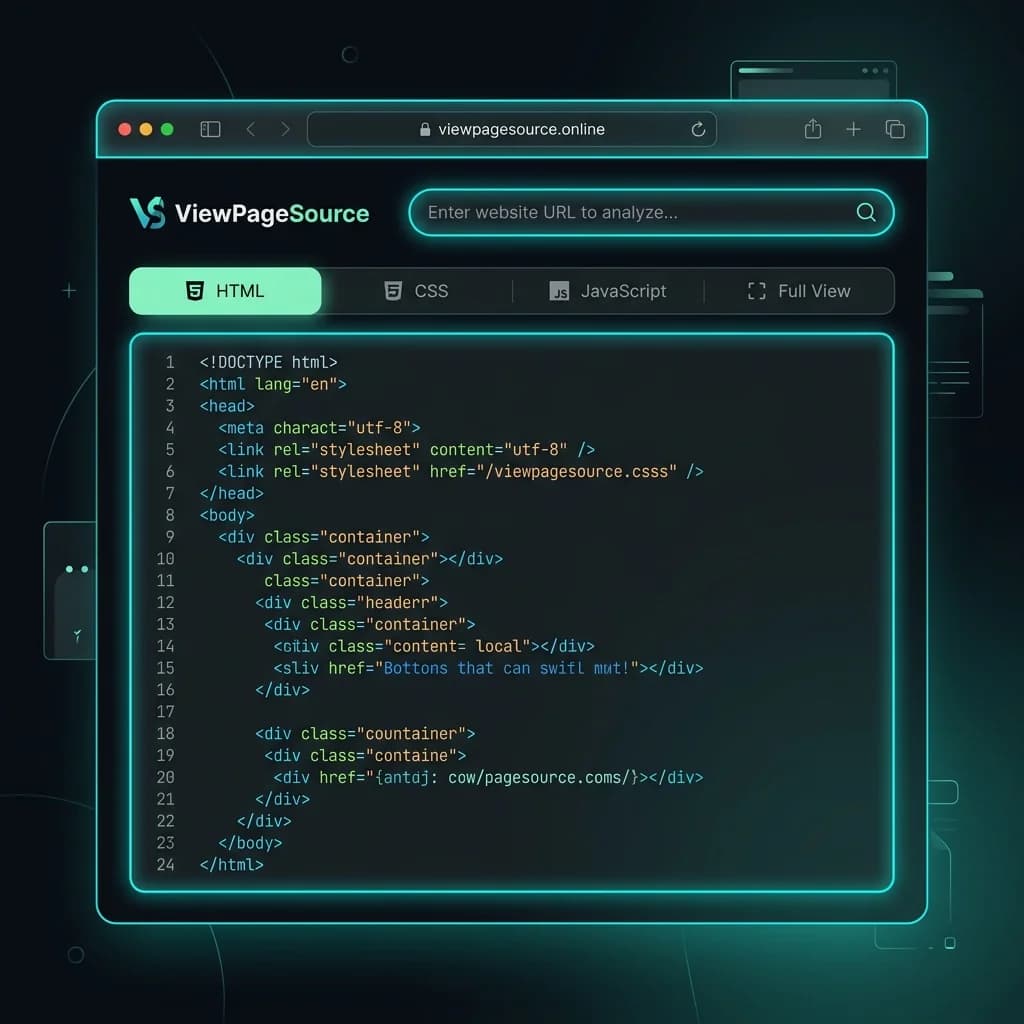
How to View Page Source Online
Viewing a website's source code has never been easier. Follow these three simple steps to inspect any page's HTML, CSS, and JavaScript.
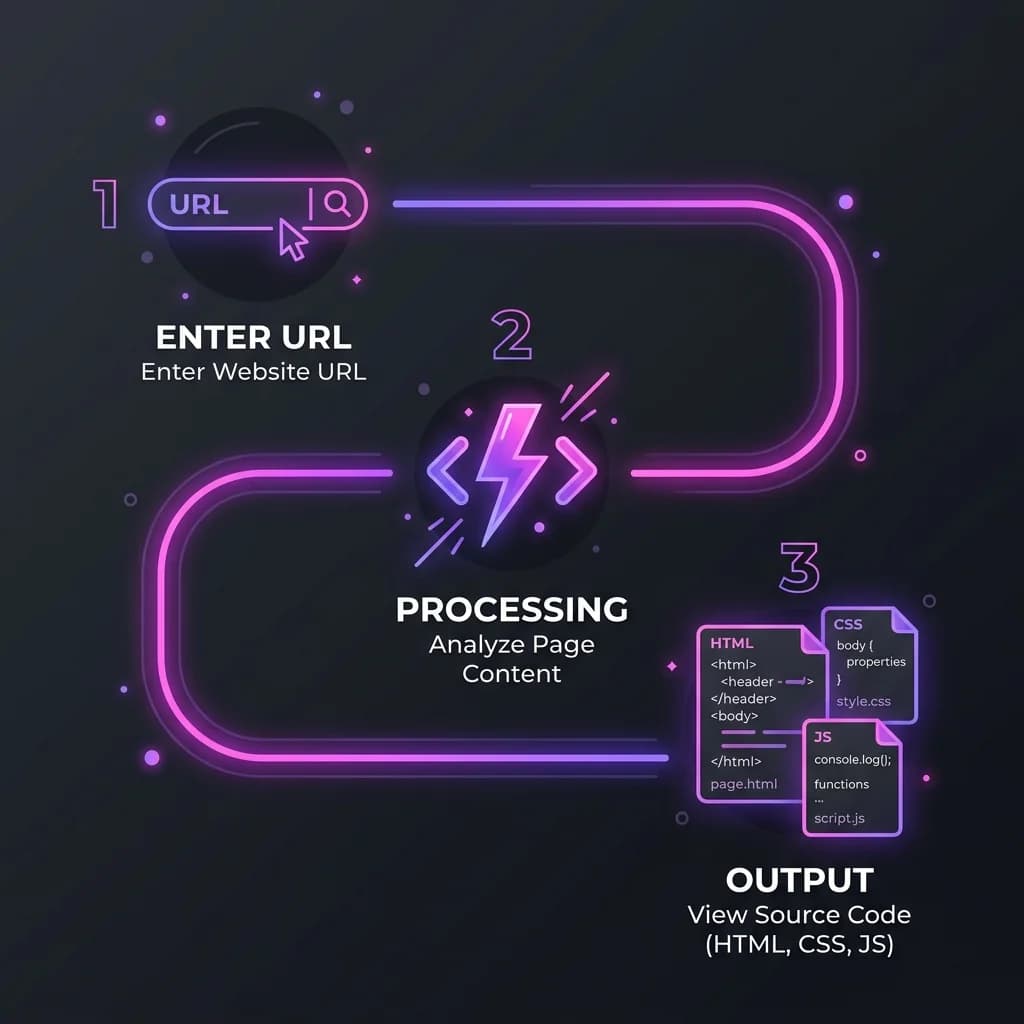
Enter the URL
Paste any website address into the search bar above. Works with any publicly accessible webpage — no login required.
View the Source
Our server fetches the page and separates HTML, CSS, and JavaScript into clean, readable tabs with line numbers.
Analyze & Copy
Copy code with one click, toggle line wrapping, switch between tabs, or explore our blog for expert tips on optimization.
Who Uses ViewPageSource?
Trusted by developers, SEO professionals, educators, security researchers, and digital marketers worldwide.
SEOs & Marketers
Web Developers
Competitor Researchers
Accessibility Auditors
How to View Page Source Online Without a Browser
Have you ever needed to inspect a website's source code on a mobile phone, tablet, or a public computer? Traditional desktop browsers make it easy, but viewing HTML code on mobile devices is notoriously difficult. Safari on iOS and Chrome on Android do not offer easy developer menus or standard keyboard shortcuts to view page source.
By using our online source viewer, you can inspect the code of any webpage directly from your browser on any device. You don't need to install extensions, open complex developer tools, or configure plugins. Simply enter the webpage's URL, and our server will securely fetch the page, parse the code, and display it in an organized interface.
This makes it a perfect tool for cross-device audits, allowing you to check critical structured data, metadata tags, and stylesheet paths on the go. Whether you're debugging layouts or analyzing search engine rendering, viewing page source online ensures you have instant access to raw code whenever and wherever you need it.
View Page Source by URL — Paste Any URL to See Its HTML
Our site simplifies the process of analyzing code by allowing you to inspect any page simply by pasting its URL. When you submit a link, our engine retrieves the exact HTML response sent by the host server. This is crucial for web developers and SEO managers because it represents the ground truth of what search engine bots see when they crawl a site.
By analyzing the HTML source by URL, you can immediately identify critical site issues:
- Broken Redirects: Verify if the server returns correct 200 OK headers or redirects pages unexpectedly.
- Large Page Weight: Spot nested code structures, inline assets, and bloated libraries that drag down performance.
- Missing Resources: Audit external script and stylesheet files to ensure they load from reliable sources.
Rather than manual inspections, analyzing code via URL provides a clean, standalone sandbox where you can toggle line wrapping, inspect scripts, and copy code blocks with one click.
View Page Source vs. Inspect Element: What's the Difference?
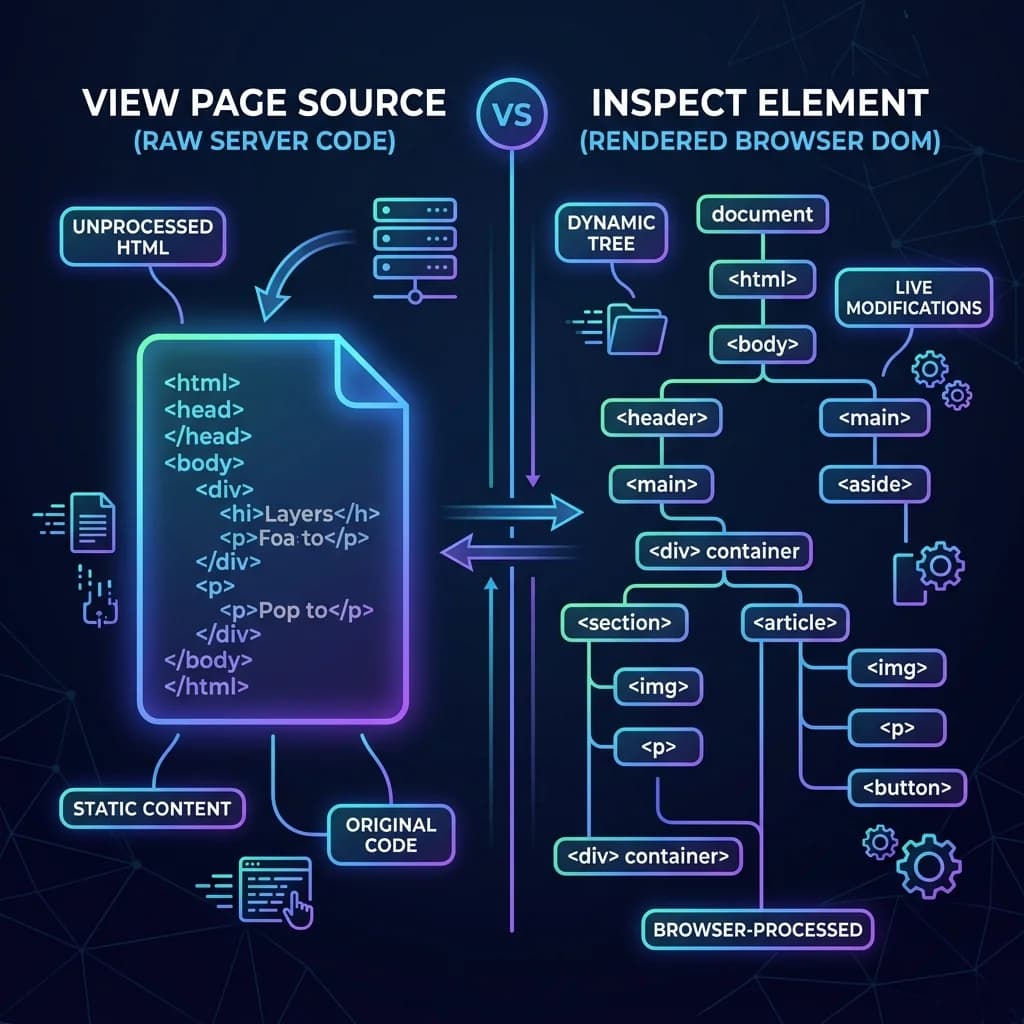
Many beginners confuse "View Page Source" with "Inspect Element" (DevTools), but they serve entirely different purposes in web development and technical search audits.
View Page Source displays the raw HTML code delivered directly from the web server. It contains no client-side modifications. It represents the exact document search engine crawlers fetch in the initial wave of indexing. If a tag isn't here, search engines might miss it.
Inspect Element shows the live, rendered Document Object Model (DOM) after the browser has executed CSS stylesheet rules and JavaScript scripts.
If you use JavaScript frameworks like React, your raw source might contain a single empty tag, while Inspect shows the fully populated DOM. Knowing when to use which is the key to understanding how bots index your content.
How to View Page Source on Chrome, Firefox, Safari & Edge
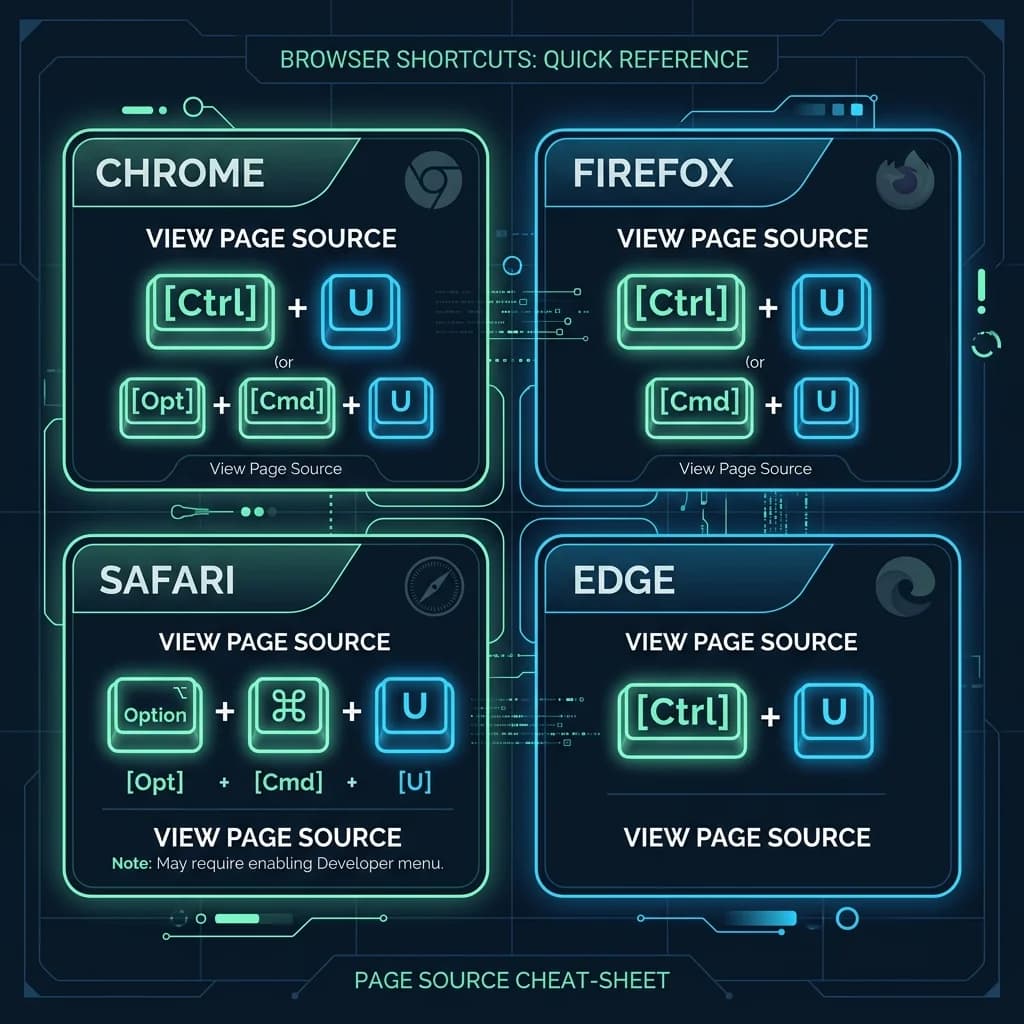
Every major desktop web browser includes built-in features to inspect code, but the methods and shortcuts vary slightly by platform.
- Google Chrome & Microsoft Edge: Press
Ctrl + Uon Windows orCmd + Option + Uon macOS. You can also right-click anywhere on the page and select "View Page Source". - Mozilla Firefox: Use the same shortcuts as Chrome. Firefox also allows you to view highlighted sections of source code directly by right-clicking a selection and choosing "View Selection Source".
- Apple Safari: First, enable the "Develop" menu by going to Safari Settings > Advanced and checking "Show features for web developers". Once enabled, right-click the page and select "Show Page Source" or press
Cmd + Option + U.
While these shortcuts are great on desktop, they do not work on mobile. That is where online viewers like ViewPageSource.online become essential.
ViewPageSource vs Browser View Source
See why thousands of developers choose ViewPageSource over the built-in browser tool.
| Feature | ViewPageSource | Browser Ctrl+U |
|---|---|---|
| Separate HTML / CSS / JS tabs | ✓ | ✗ |
| Full View combined mode | ✓ | ✗ |
| Line numbers | ✓ | ✓ |
| One-click copy | ✓ | ✗ |
| Works on mobile devices | ✓ | ✗ |
| No browser extension needed | ✓ | ✓ |
| SEO-friendly blog & guides | ✓ | ✗ |
Frequently Asked Questions
Everything you need to know about viewing website source code.
Understanding Website Source Code: A Developer's Guide
Every website you visit is built from three core technologies: HTML (HyperText Markup Language) provides the structure and content, CSS (Cascading Style Sheets) controls the visual presentation and layout, and JavaScript adds interactivity and dynamic behavior.
When you "view source," you're seeing the raw HTML document that the server delivered to your browser. This document contains references to CSS stylesheets and JavaScript files, plus inline styles and scripts embedded directly in the page. Understanding this source code is essential for web developers debugging issues, SEO professionals optimizing pages, and security researchers identifying vulnerabilities. For more in-depth learning, resources like MDN Web Docs offer comprehensive guides.
ViewPageSource takes this a step further by automatically parsing and separating these three layers. Instead of scanning through hundreds of lines of mixed code, you can jump directly to the CSS tab to inspect styles, or the JavaScript tab to review client-side logic. The Full View tab gives you the complete picture when you need it.
Be sure to check out our expert blog for in-depth guides on technical SEO, web security, and performance optimization — all designed to help you get the most out of understanding website source code.
Ready to Inspect Any Website?
Join thousands of developers and SEO professionals who use ViewPageSource every day. It's fast, free, and requires no signup.
✦ No registration · ✦ No limits · ✦ 100% free