Alt Text for Images: More Than Just an SEO Ranking Factor
Master the art of writing descriptive alt text for accessibility and search engine visibility. Find out how to rank in Google Images!
ViewPageSource Team June 8, 2026
What is Alt Text?
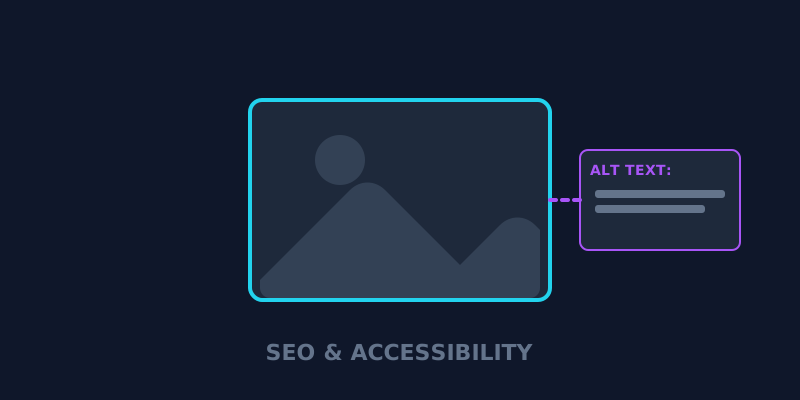
Alt text (sometimes called "alt tags") is a snippet of HTML code that describes what is in an image. When an image fails to load or if a user is using a screen reader due to a visual impairment, the alt text is what is "seen" or read aloud.
While many digital marketers view alt text purely as an SEO ranking factor, it's actually much more—it’s the cornerstone of web accessibility (A11y).
1. Why Alt Text is Critical for SEO
Search engines like Google are incredibly smart, but they still struggle to "see" what is in an image without context. Alt text provides that context, which helps you rank in:
Google Images: This is a massive source of traffic that many sites completely ignore.
Standard Search Results: Google often shows relevant images at the top of the search results for specific queries.
Topical Relevance: Descriptive alt text helps Google understand the overall topic and context of your page, which boosts your main rankings.
2. Using Alt Text for Accessibility (A11y)
In 2026, web accessibility isn't just a "nice-to-have"—it's a legal and ethical requirement. Screen readers for the visually impaired rely entirely on alt text to describe your content.
If your alt text is just a list of keywords like "blue t shirt mens buy cheap", you are creating a terrible experience for these users. Instead, strive for descriptive accuracy: "A man wearing a navy blue cotton t-shirt standing against a white brick wall."
3. Best Practices for Writing Alt Text
Be Descriptive and Specific: Don't just say "cat", say "orange tabby cat sleeping in a sunbeam."
Keep it Under 125 Characters: Screen readers often truncate alt text that is too long.
Don't Start with "Image of...": The screen reader already knows it's an image. Just get straight to the description.
Use Keywords Sparingly: Include your primary keyword only if it naturally fits the description of the image.
Final Thoughts
Writing descriptive alt text is one of the easiest ways to improve both your technical SEO and your user experience simultaneously. By prioritizing accessibility, you are also making your site more readable for search engine bots.
Want to see which of your images are missing alt text? Analyze your images here to detect missing alt tags and boost your image SEO today.
Ready to optimize your site?
Use our professional tools to analyze your source code and technical SEO health in seconds.